 lottieditor
Lottieditor guides
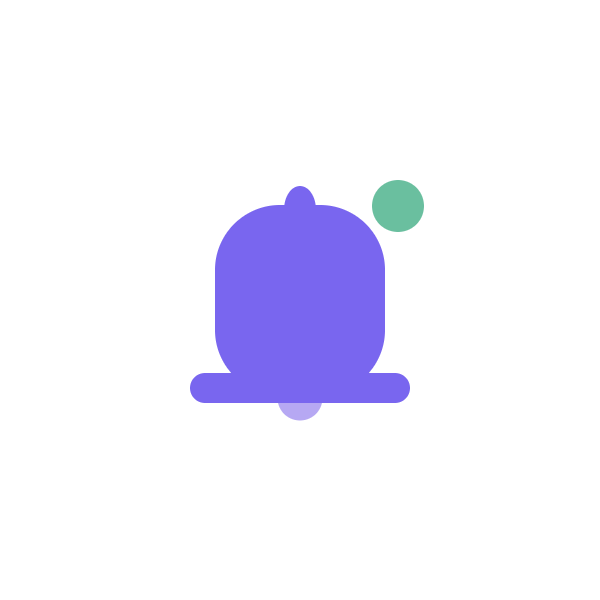
A bell that rings once
A small rotation sequence and a notification dot draw attention without an endless loop.
Loading the reference animation...
600 × 600 · 30 fps · 2 seconds · Designed to play once and hold
Keep the reference files
These original reference assets are free to use and modify. New editor exports follow Free and Pro limits.
Try this prompt
Connect your assistant to a new project first. Ask it to read the current project before editing. The supplied file is a reference result; another model or prompt variation may produce different geometry or timing.
Create a 600 by 600, two-second notification animation. Draw a purple bell with a rounded body, wide rim, top handle, and pale clapper. Group the bell pieces so they rotate together around the top of the bell. Ring from 0 to -12, 12, -8, 8, then 0 degrees in the first second. Fade in a small green notification dot at the upper right. Hold still after 1.2 seconds. Use native shapes and keyframes, show a preview, and export a project backup.
Build the bell as a group
The body, rim, handle, and clapper rotate around one parent. Changing the group pivot near the top makes the movement read as a hanging bell.
Reduce each swing
The rotation changes direction with decreasing amplitude. It settles by one second rather than oscillating for the whole clip.
Keep the dot separate
The dot belongs to the notification state and should not swing with the bell. It fades in while the bell moves, then remains visible.
Respect the notification context
Trigger the motion for a new event and provide the count or message as text. This file does not implement notification delivery or application state.
Watch the reference motion
Finish and check
Preview the first frame, the moving portion, and the held final state. Compare the export in the player you will use. Keep meaningful labels outside decorative animation and use the PNG when reduced motion is requested.