 lottieditor
Lottieditor guides
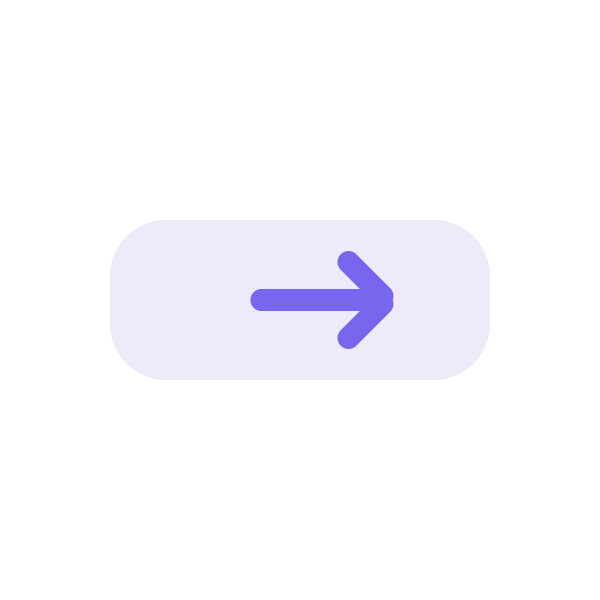
A moving button arrow
A restrained arrow nudge gives a call-to-action a direction without moving the button itself.
Loading the reference animation...
600 × 600 · 30 fps · 1.5 seconds · Matching loop endpoints
Keep the reference files
These original reference assets are free to use and modify. New editor exports follow Free and Pro limits.
Try this prompt
Connect your assistant to a new project first. Ask it to read the current project before editing. The supplied file is a reference result; another model or prompt variation may produce different geometry or timing.
Create a 600 by 600, 1.5-second looping animation. Add a pale rounded button backplate 380 by 160 pixels at the canvas center. Draw a purple right arrow as three rounded rectangles and group them. Move only the arrow group 24 pixels right at 0.75 seconds and back by 1.5 seconds. Keep the button still. Match first and last poses exactly, leave room around the arrow, and save the editable project.
Separate artwork from the button
The reference backplate stays fixed while a three-part arrow moves. In an application, use a real HTML button with its own text and hit area.
Create a matching loop
Set the arrow x position to 300, 324, and 300 at zero, 0.75, and 1.5 seconds. Matching endpoints prevent a jump when playback restarts.
Keep the motion small
A 24-pixel nudge is enough at a 600-pixel canvas size. Preview at the real button size before increasing the distance.
Trigger it deliberately
Consider a single cycle on hover or keyboard focus. Do not make the animation the only indication that a button is interactive.
Watch the reference motion
Finish and check
Preview the first frame, the moving portion, and the held final state. Compare the export in the player you will use. Keep meaningful labels outside decorative animation and use the PNG when reduced motion is requested.