 lottieditor
Lottieditor guides
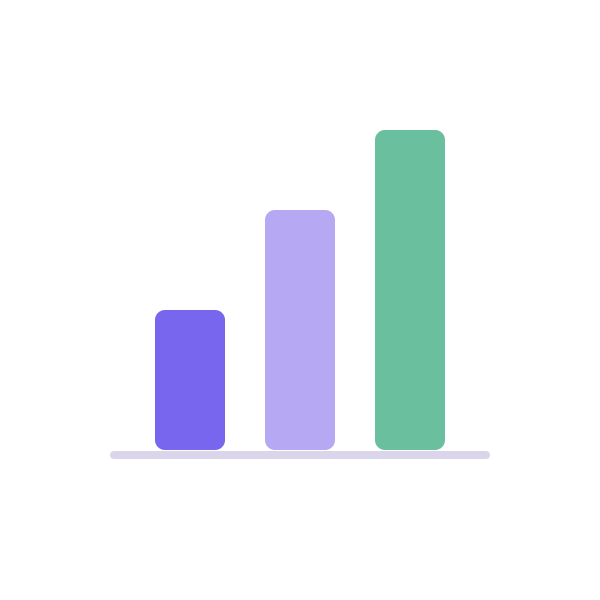
An animated three-bar chart
Grow three bars from a common baseline while keeping the values easy to compare.
Loading the reference animation...
600 × 600 · 30 fps · 2.5 seconds · Designed to play once and hold
Keep the reference files
These original reference assets are free to use and modify. New editor exports follow Free and Pro limits.
Try this prompt
Connect your assistant to a new project first. Ask it to read the current project before editing. The supplied file is a reference result; another model or prompt variation may produce different geometry or timing.
Create a 600 by 600, 2.5-second bar-chart animation at 30 fps. Add a horizontal baseline at y 450. Put rounded bars at x 190, 300, and 410 with final heights 140, 240, and 320 pixels. Grow each bar upward from the baseline over one second, starting at 0, 0.2, and 0.4 seconds. Animate height and y together so the bottoms stay fixed. Use purple, lilac, and green, then hold the completed chart. Keep it decorative: do not invent business metrics. Preview the baseline while the bars grow and save the editable project.
Set a common baseline
All three bars finish at y 450. Their centers are therefore 450 minus half their height. This keeps the chart grounded as it grows.
Animate position with height
The reference grows from 2 pixels to 140, 240, and 320 pixels. Moving the center upward by half the height change keeps the lower edge fixed.
Use your own data
The reference has illustrative heights, not measured business results. Replace them with proportional values and put labels and a data table in accessible HTML.
Check the end state
Hold the completed chart from 1.4 seconds onward. Use a still image for reduced motion and play the entrance only when the chart first becomes relevant.
Watch the reference motion
Finish and check
Preview the first frame, the moving portion, and the held final state. Compare the export in the player you will use. Keep meaningful labels outside decorative animation and use the PNG when reduced motion is requested.